One video goes in. Two deliverables come out.
In the order know-how travels through them: you record, the AI processes, ClipHow produces the course and the procedure, the agent answers questions, and governance keeps the whole thing in hand.
One task filmed, and nothing to prepare.
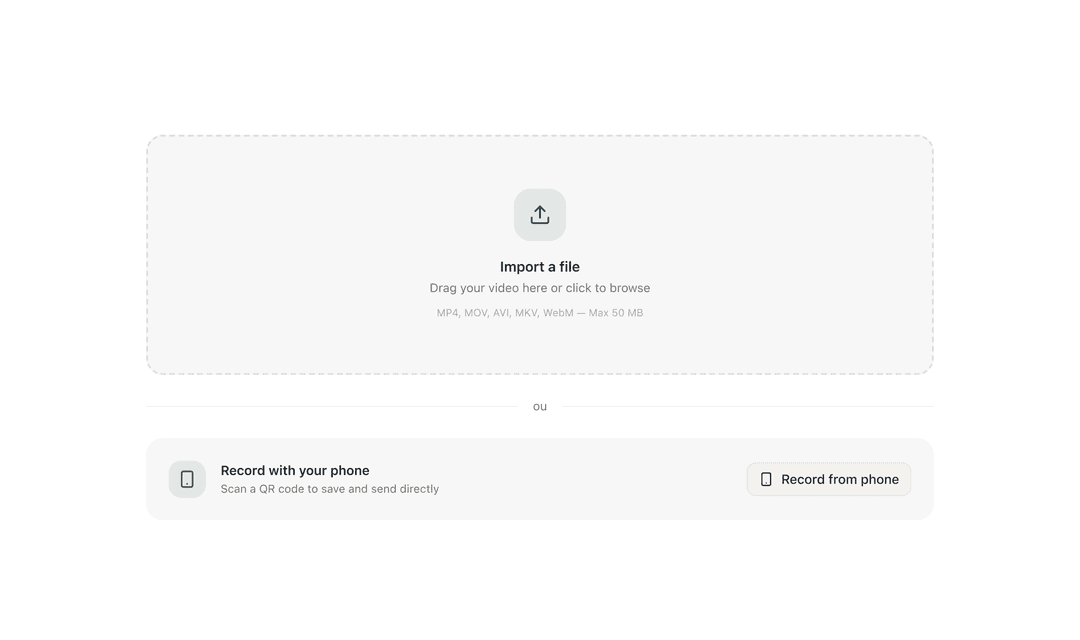
The first two blocks are the ones your experts touch: film, then let the engine turn the raw recording into usable material.
Filming has to stay within reach of the person who knows how, not of an audiovisual department. ClipHow takes whatever device they already have in hand, in the conditions where the work actually happens.
- Smartphone, PC, tablet, webcam, GoPro, smart glasses
- In real conditions: at the workstation, in the cleanroom, on site, on the road
- Record straight from a phone via a QR code
- Drag-and-drop import for videos already shot
- No editing required, no script to prepare
- Multi-format: video, screen recording, photo sequence
- A long task is split into steps, then grouped into a path
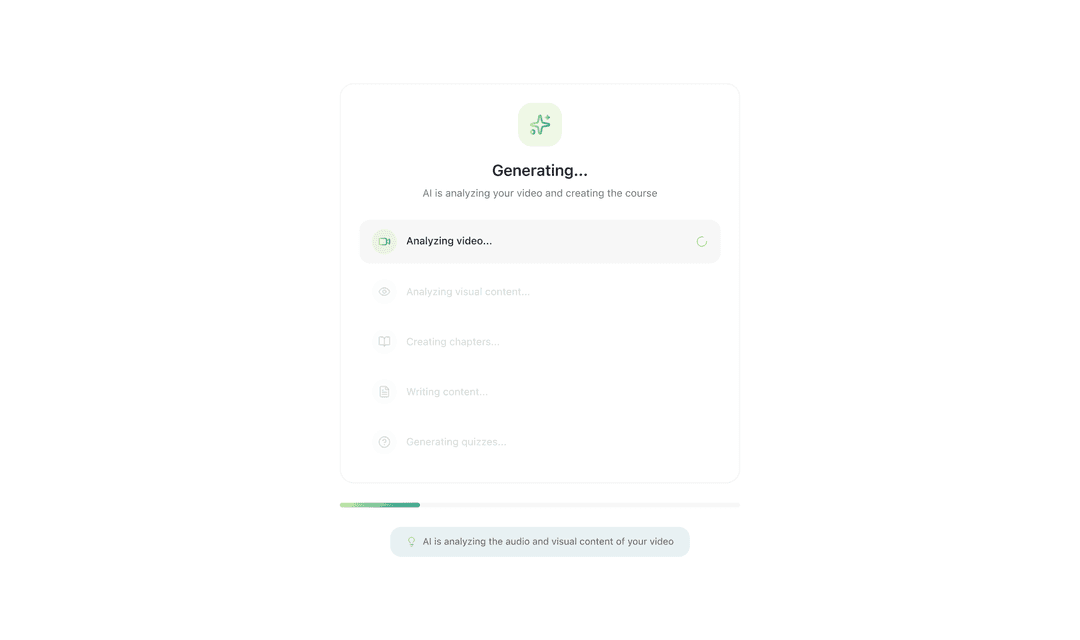
The raw recording becomes usable: the engine transcribes it, learns your trade vocabulary, breaks the sequence into chapters, and reads whatever is shown on screen or on the documents being filmed.
- Automatic transcription, in French and English today
- Indexing of technical vocabulary, procedures and equipment
- Automatic chaptering of the recording
- Optical character recognition (OCR) on screens and documents
- Quizzes and assessments generated from what was recorded
- No setup needed: the engine picks up your trade vocabulary
The same work, two different uses.
Training and doing do not call for the same document. A learning module runs in order, with assessments. A procedure gets consulted at the workstation, under pressure, at the step that is blocking you. ClipHow produces both from the same recording, and keeps them tied to the original video.
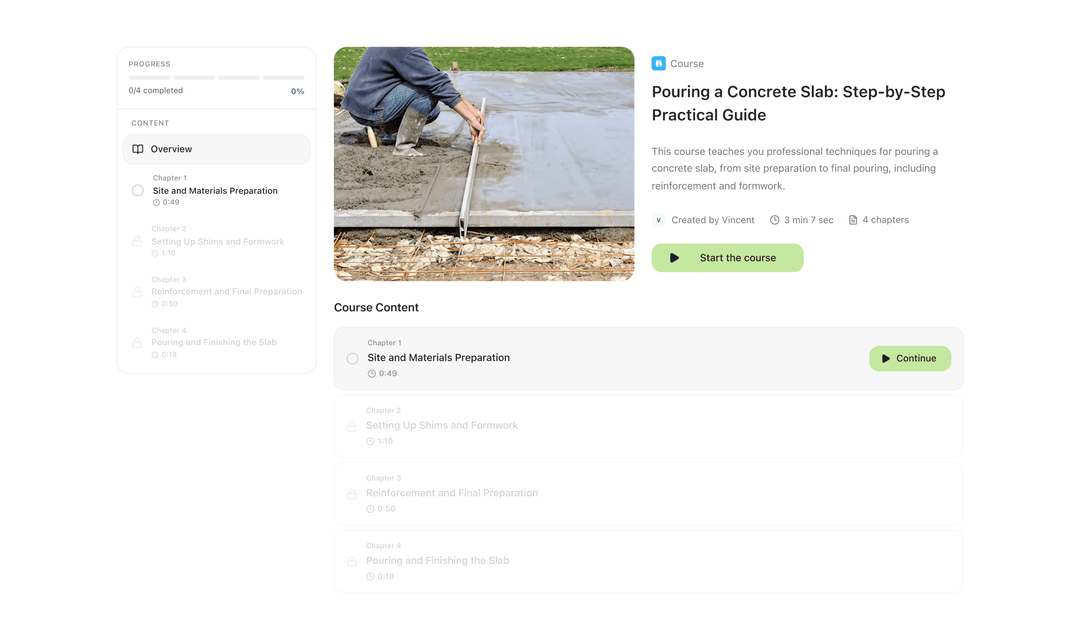
To train. The recording becomes a module that runs in order, with assessments and tracking. Nobody has to write anything: the instructional design is done for you.
- Timed chapters, generated from the recording
- Quizzes and assessments to check what has been learned
- Grouped into upskilling paths
- Completion milestones and a certificate for the learner
- No training department required on your side
- Every chapter stays linked to the second of video it came from
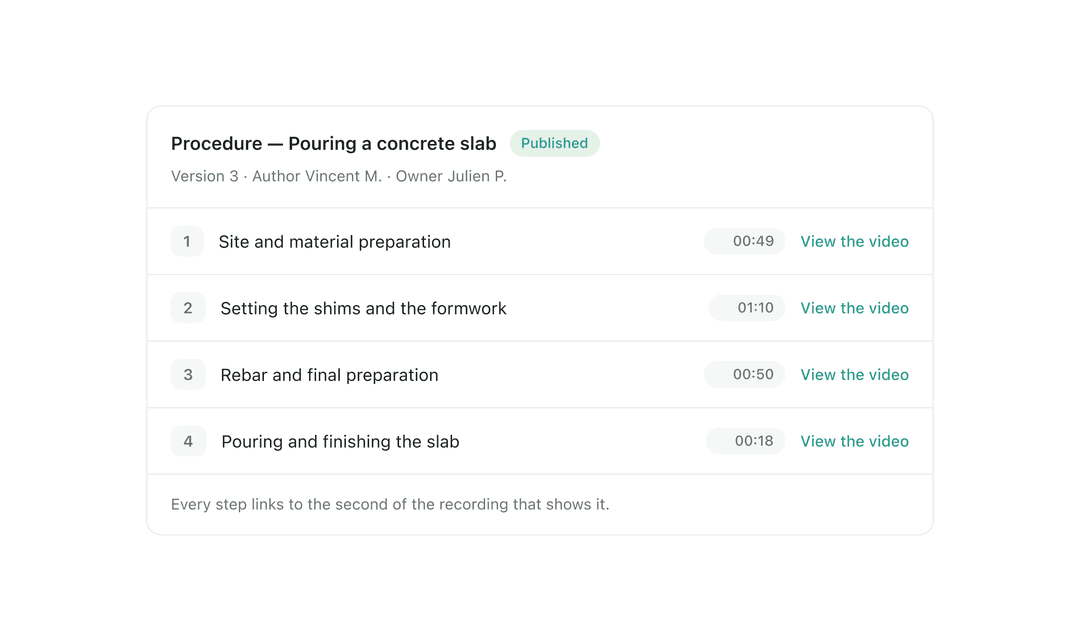
To apply. The same task is written step by step and read on the floor, at the step that is blocking you. With your hands in the machine, nobody works through a training module from beginning to end.
- The sequence written step by step, usable as is on the floor
- Every step links to the exact second of video that shows it
- Readable at the step that is blocking you, without going through the whole module
- Produced from the same recording as the module, and linked to it
- Approval before publication: nothing enters the base without sign-off
Query the base, and answer for it.
Once the deliverables exist, two things matter: that the right answer can be found in seconds, and that you know at any moment who approved, who completed and who has access.
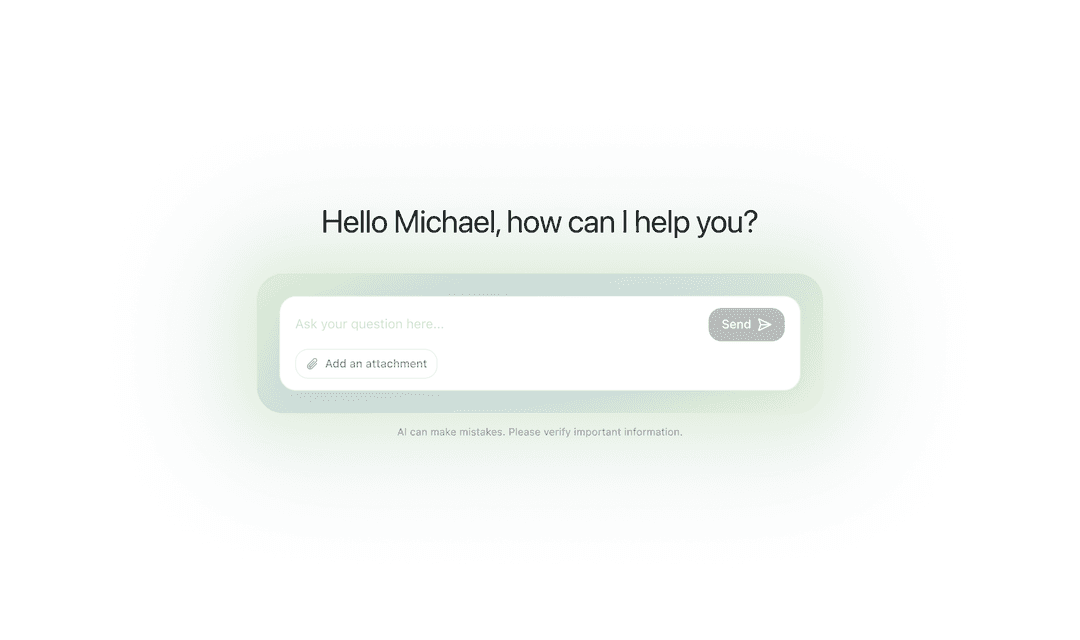
On the floor, nobody reads a procedure from start to finish: you look for the step that is blocking you. The agent answers the question asked, in natural language, the way a colleague would, and shows where the answer comes from.
- Ask by voice, in writing or from a photo
- Timestamped answers pointing to the exact moment in the recording
- Searches across the entire knowledge base
- Cites its sources: recording, transcript, procedure
- No setup needed, the agent picks up your trade vocabulary
What gets recorded has to be governed: who approved it, who completed it, who can see it. Oversight is what turns a video library into a knowledge base you can answer for.
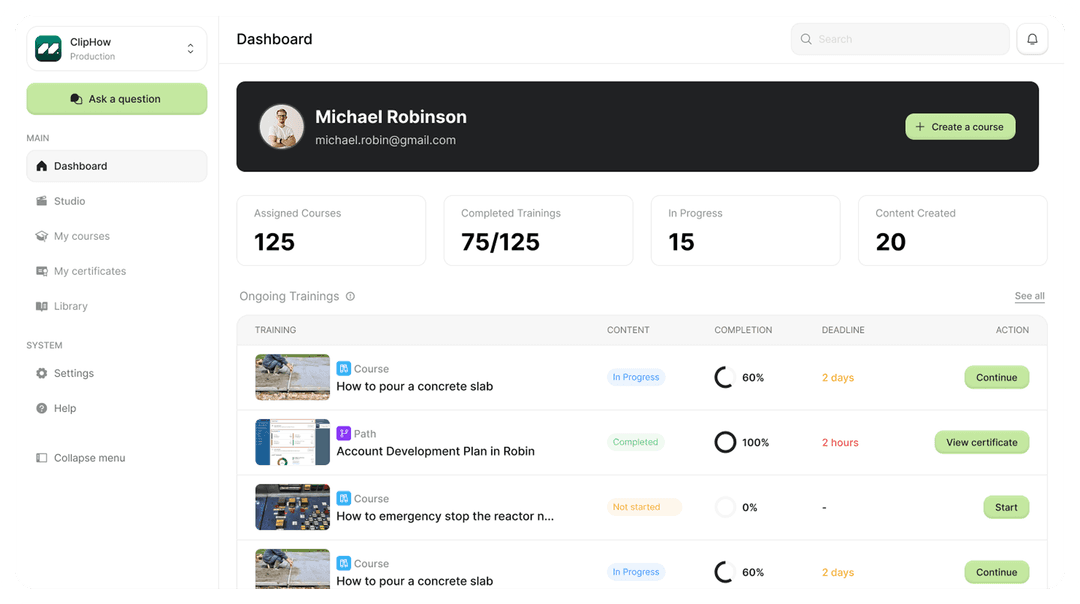
- Completion dashboards by team, by site and by path
- Completion attestations for learners
- Approval before publication, by you or by the people you designate
- Access and role management, up to SSO / SAML and SCIM on the Enterprise plan
- GDPR-compliant audit log
- A complete hand-back of your data at the end of the licence
What we get asked about the product.
No. ClipHow is built so that the person who knows how produces the content themselves. The formatting and the instructional design — chapters, quizzes, assessments — are generated from the recording.
French and English today, interface included. The architecture is built for other locales: if your rollout needs one, we scope it together.
There is no native SCORM or xAPI connector. The public Data API v1, documented in OpenAPI 3.1, exposes recordings, transcripts, courses, conversations and exports: that is how an existing LMS gets fed. It is included in the Enterprise plan.
You do. No recording is published without approval: yours, a manager's, or that of the people you designate. Nothing publishes itself, and every approval is written to the audit log.
For very long tasks, yes: film step by step, then group the recordings into a path. Automatic chaptering does the rest inside each recording.